Services
Web, mobile, ERP and automation work handled by one team, with design and engineering in the same room, from the first sketch to the release that scales.
What We Do
What We Build
Four services, and most projects use more than one of them together. Describe the problem and we will tell you which ones it needs.

Web Application Development
Dashboards, portals, and internal systems that hold up once real data and real users arrive. Built on a typed stack, with tests around the parts that would hurt most if they broke.

Mobile App Development
Apps for people who work away from a desk: technicians, drivers, field sales. One codebase for Android and iOS, and a plan for the places where the signal drops.

Custom ERP & Internal Tools
The spreadsheet that quietly runs your operation, turned into something several people can use at once without overwriting each other. We map the process you already follow instead of bending your team around someone else's.
Automation & AI Integration
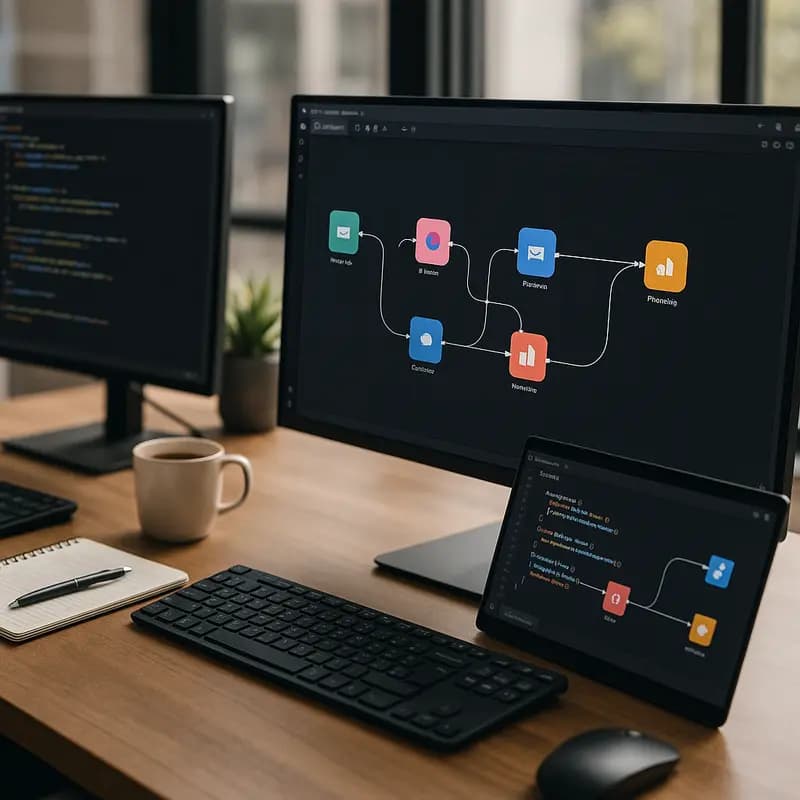
The steps somebody repeats every day because no system does them for them: copying rows between tools, chasing approvals, rebuilding the same report. We automate the path first, and bring in AI only where it genuinely beats a rule.
How We Work
How a Project Runs
The same five steps whether it is a two-screen tool or a platform, so you always know which one you are in, and what you are holding at the end of it.
Discovery
A 30-minute call about what you are trying to fix, who uses it, and what already exists.
You get
A written scope and timeline
Design
Flows first, then screens. Nothing goes to the build until you have clicked through it yourself.
You get
A clickable prototype
Build
Short iterations in a shared channel, with something that actually runs at the end of each one.
You get
A working build every sprint
Launch
Release, data migration, and a handover of every account, repository, and deployment key.
You get
A live product and its documentation
Support
We stay on after release, watching errors and uptime rather than waiting to be told.
You get
Monitoring, patches, and a way to reach us
Questions About Working With Us
The things people usually ask before the first call.
How long does a project take?
It depends on the scope, so we agree a timeline in writing before anything starts. Either way you see a working build at the end of every sprint rather than waiting until the end to find out.
Who owns the code?
You do, from the first commit. The repository is yours, and at handover you get the accounts, deployment keys, and documentation that go with it.
Can you work with our existing team?
Yes. We can take a product end to end, or join your in-house developers for a specific part: design, a tricky integration, or the deployment setup.
Can you take over a project someone else started?
Often, yes. We start by reading the code and telling you honestly what is worth keeping and what will cost more to patch than to rebuild.
What happens if we find a bug after launch?
Bugs traced to work we shipped are fixed as part of the engagement. Anything that turns out to be a new feature we will say so before starting it.
