Apps for people who work away from a desk: technicians, couriers, sales reps, and your customers. One codebase for Android and iOS that keeps working when the signal drops.
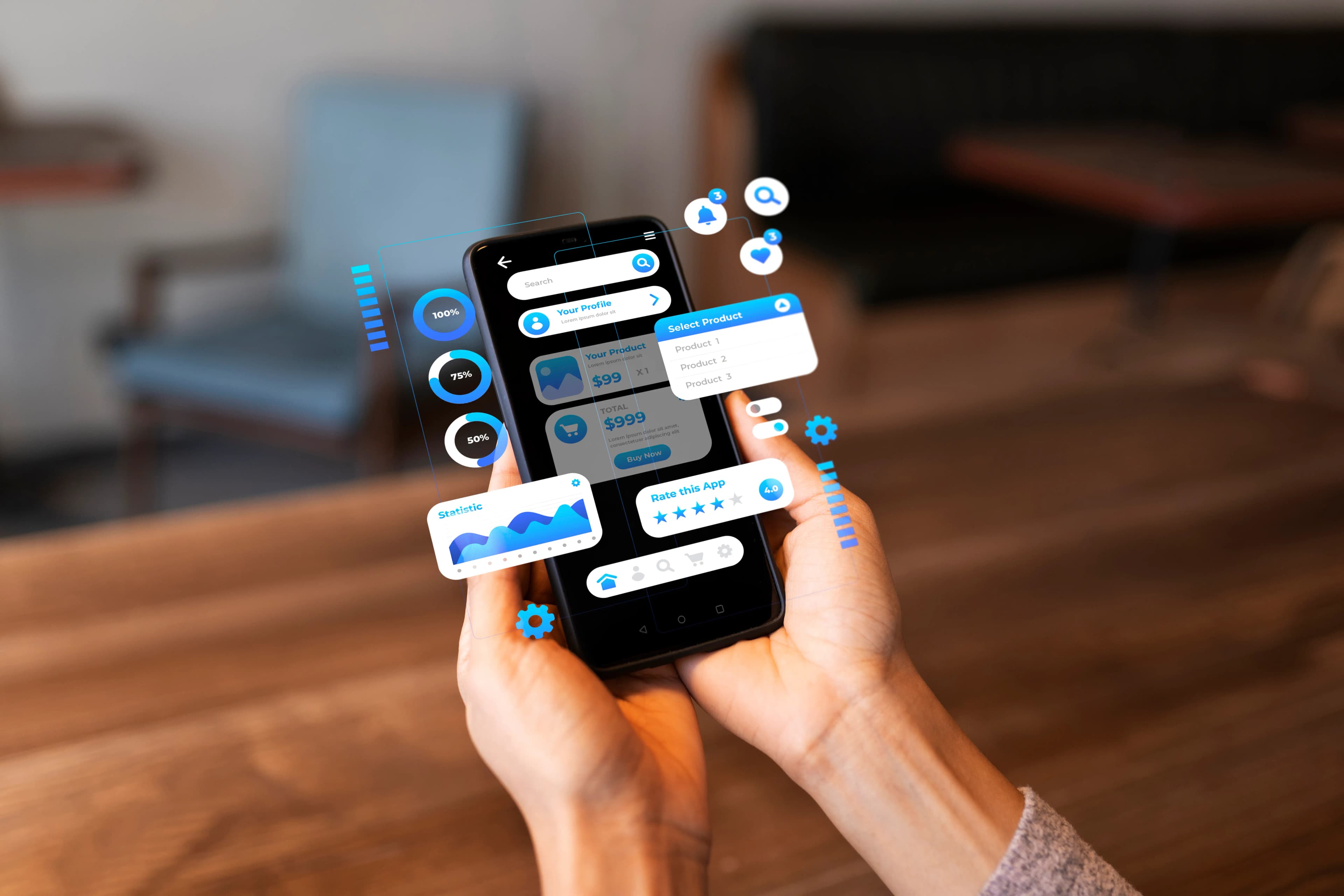
Mobile Apps That Keep Working in the Field
Business apps are rarely used somewhere with good Wi-Fi. Technicians log jobs on rooftops, couriers confirm deliveries on the road, and sales reps take orders in a customer's shop. An app that only works on a stable connection gets abandoned, and the team goes back to paper or WhatsApp.
Ravexa builds Android and iOS apps from a single codebase, so features ship on both platforms at once and maintenance stays affordable. Data is stored on the device while offline and syncs automatically as soon as the signal returns.
Business apps rarely stand alone. We build the backend, the admin dashboard, and the API alongside the app, so data from the field shows up in the office without being typed in again.
What's Included
What Our Apps Can Do
The capabilities business mobile apps need most often.
Android & iOS from One Codebase
One codebase for both platforms, so new features and fixes ship together without paying for two separate teams.
Offline Mode & Sync
Work keeps being recorded without a signal, then syncs automatically with no duplicates and nothing overwritten.
Built for Field Teams
Photo proof of work, digital signatures, GPS location, and barcode or QR scanning straight from the phone's camera.
Push Notifications
New jobs, schedule changes, or order updates that reach the right person at the right time.
Backend, Dashboard & API
The server, database, and admin dashboard that pair with the app, connected to the systems you already use.
Google Play & App Store Release
We handle submission, review requirements, and version updates, including internal distribution for staff-only apps.
What Is It Good For?
The situations we most often solve with a mobile app.
Technician and field service apps
Job assignments, checklists, before-and-after photos, and reports that land straight in the office dashboard.
Sales and order-taking apps
Product catalogues, orders taken at the customer's shop, and sales targets a supervisor can follow.
Delivery and logistics apps
Delivery runs, proof of delivery with photos, and shipment status visible to the warehouse and to customers.
Resident apps for housing estates
Service-charge bills, complaints, and estate announcements in one app for the residents of a cluster.
Customer apps for small businesses
Ordering, purchase history, and loyalty programmes that bring customers back without depending on a marketplace.
How We Work
How a Project Runs
The same four steps whether it is a two-screen tool or a platform, so you always know which one you are in, and what you are holding at the end of it.
Questions About Mobile App Development
Short answers to the questions that usually come up before the first call.
How much does an Android and iOS app cost?
It depends on the number of screens and features, whether offline mode is needed, integrations with other systems, and whether the backend and admin dashboard are built at the same time. With one codebase for both platforms, it costs less than building two separate apps. We give you a written estimate after the free consultation.
How long does it take to build a mobile app?
It depends on the scope, and we agree the timeline in writing before we start. You can try a build of the app on your own phone at the end of every sprint, well before it goes to the stores.
Can the app work without an internet connection?
Yes, if it is designed for that from the start. We decide together which data needs to be available offline, then build a sync that is safe when the connection comes back.
Whose name are the Google Play and App Store accounts in?
Your company's. The app, the source code, and the developer accounts belong to you, and we help set them up if you do not have them yet.
What about updates after the app is released?
Android and iOS release new versions regularly, and apps have to keep up. We monitor crashes and errors after launch, fix bugs that come from our work, and can continue feature development sprint by sprint.
Other Services
Most projects use more than one service. These are the ones most often paired with this one.
Custom Web App Development
Dashboards, customer portals, and internal systems on the web that stay reliable as data and users grow.
Custom ERP Development
ERP systems and internal tools that follow your business processes: stock, orders, finance, and approvals.
Business Automation & AI
Workflow automation, scheduled reports, document extraction, and chatbots that save your team hours every day.
